
Account
Settings → Account is where you can check your trial or subscription status any time, without waiting for a banner or prompt to show up somewhere else in the app.
A quick version of this status also appears in the account menu itself (tap the three bars at the top), showing a status icon with a short label — for example, “Subscribed” with “Active” underneath.
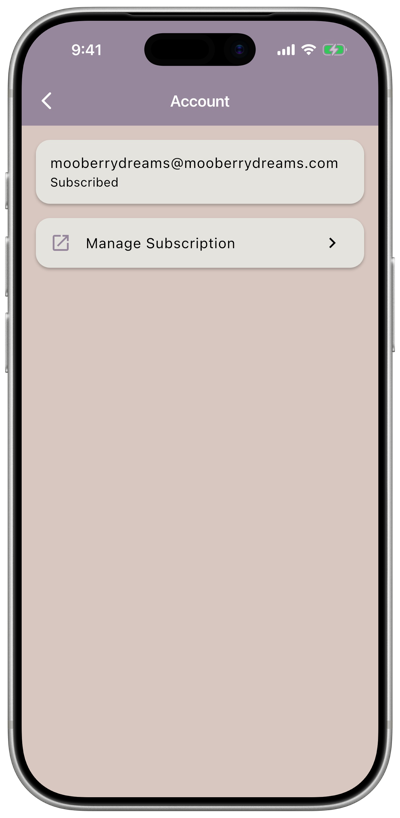
What you’ll see
Section titled “What you’ll see”Your status line changes depending on where you are:
| Status | What it tells you |
|---|---|
| Free trial | “Free trial — ends [date]” |
| Subscribed | “Subscribed — renews [date]” |
| No active subscription | “No active subscription,” with a link to re-subscribe |
| Payment issue | “Payment issue — your subscription could not be renewed,” with a link to update your payment method |
Referral code
Section titled “Referral code”If you have a creator’s referral code and didn’t enter it when you signed up, you can add it here under Have a referral code?. If your trial is still active, this extends it by 15 days. If your trial has already ended, entering a code won’t bring it back — codes can only extend an active trial, not reactivate a lapsed one.