
Pattern Locations
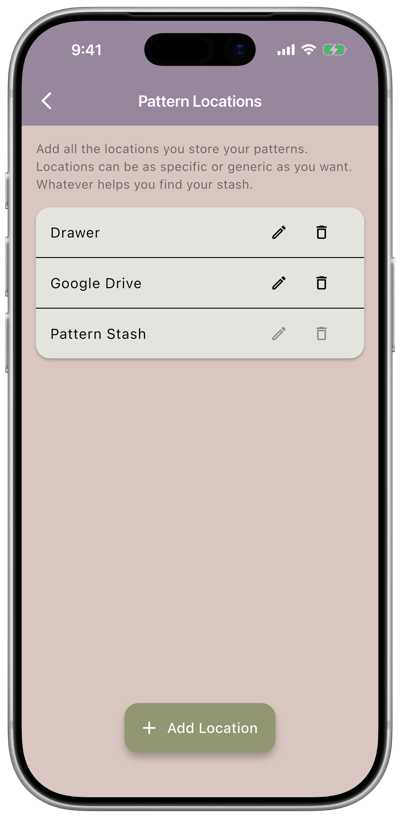
Settings → Patterns → Locations is where you manage the list of places you store your patterns — a specific drawer, a cloud folder, or anything else that helps you find them again.
What you can do
Section titled “What you can do”- Add a location — tap Add Location and enter a name.
- Rename a location — tap the pencil icon next to it, edit the name, and confirm.
- Delete a location — tap the trash icon next to it. If the location has patterns assigned to it, you’ll be prompted what location to move them to.
Pattern Stash is a built-in location and can’t be renamed or deleted.