
Project Defaults
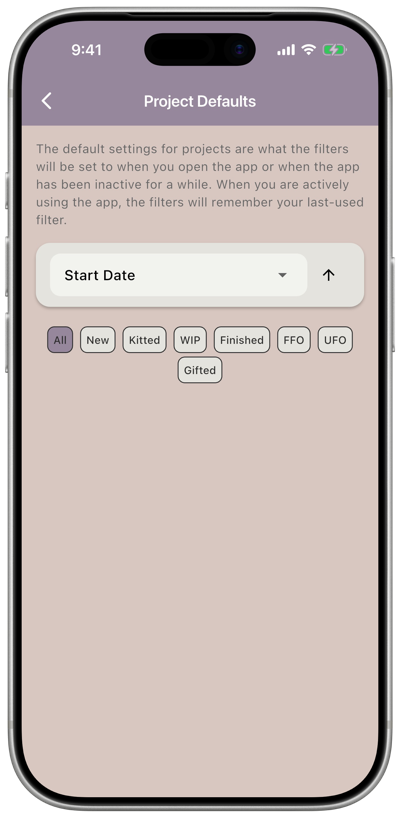
Settings → Projects → Defaults sets the sort order and status filter applied to your project list when you open the app, or when the app has been inactive for a while. While you’re actively using the app, it remembers whatever sort and filter you last used instead.
Options
Section titled “Options”- Sort by — Project Name, Designer Name, Start Date, Finish Date, FFO Date, or UFO Date.
- Sort direction — tap the arrow to switch between ascending and descending.
- Status filter — choose which statuses show by default: All, New, Partially Kitted, Kitted, WIP, Finished, FFO, UFO, and Gifted. Tap a status to toggle it on or off; you can select more than one at a time.