
Shopping List
The Shopping tab is your list of everything you still need to buy. It’s always on your phone, so it’s there when you’re at your local needlework shop or scrolling an online shop.
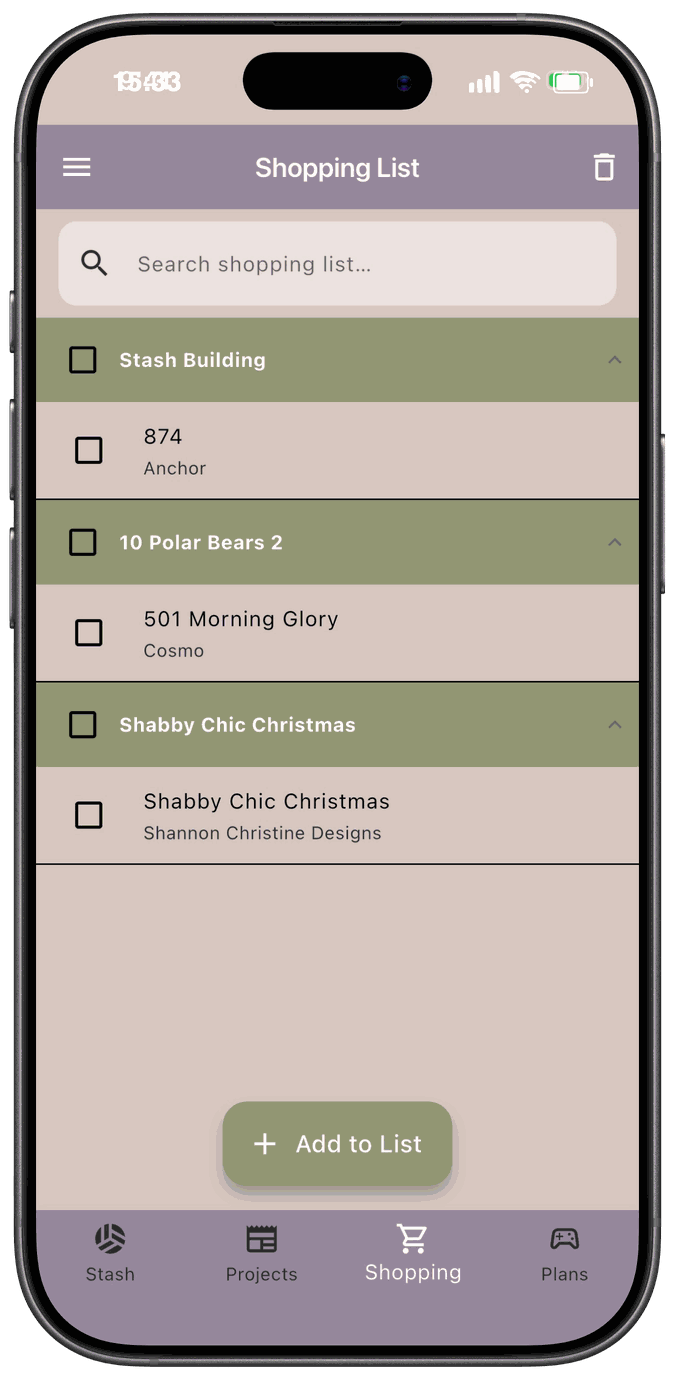
Items get onto the list two ways:
- Automatically. When you kit up a project, any fibers you’re short on, and a pattern you don’t own yet, are added for you.
- By hand. Tap Add to List to add a fiber, pattern, or fabric yourself.
The list is grouped so you can see why you’re buying something. Items added for a project appear under that project’s name. Everything else appears under Stash Building. Use the search box at the top to find an item. Tap a group’s header to collapse it.
When you buy something, check it off and save, and it goes into your stash.
In this section
Section titled “In this section”- How Kit Up Populates It — what gets added automatically, and how each kit-up choice affects the list
- Manually Adding Items — add fibers, patterns, and fabric yourself
- Clearing the List — check off what you bought, delete what you don’t need, and what happens to your stash