
Manually Adding Items
Kit Up fills your Shopping List for projects, but you can also add things yourself, like a fiber you noticed you’re low on or a pattern you want to buy. You can add three kinds of items: fibers, patterns, and fabric.
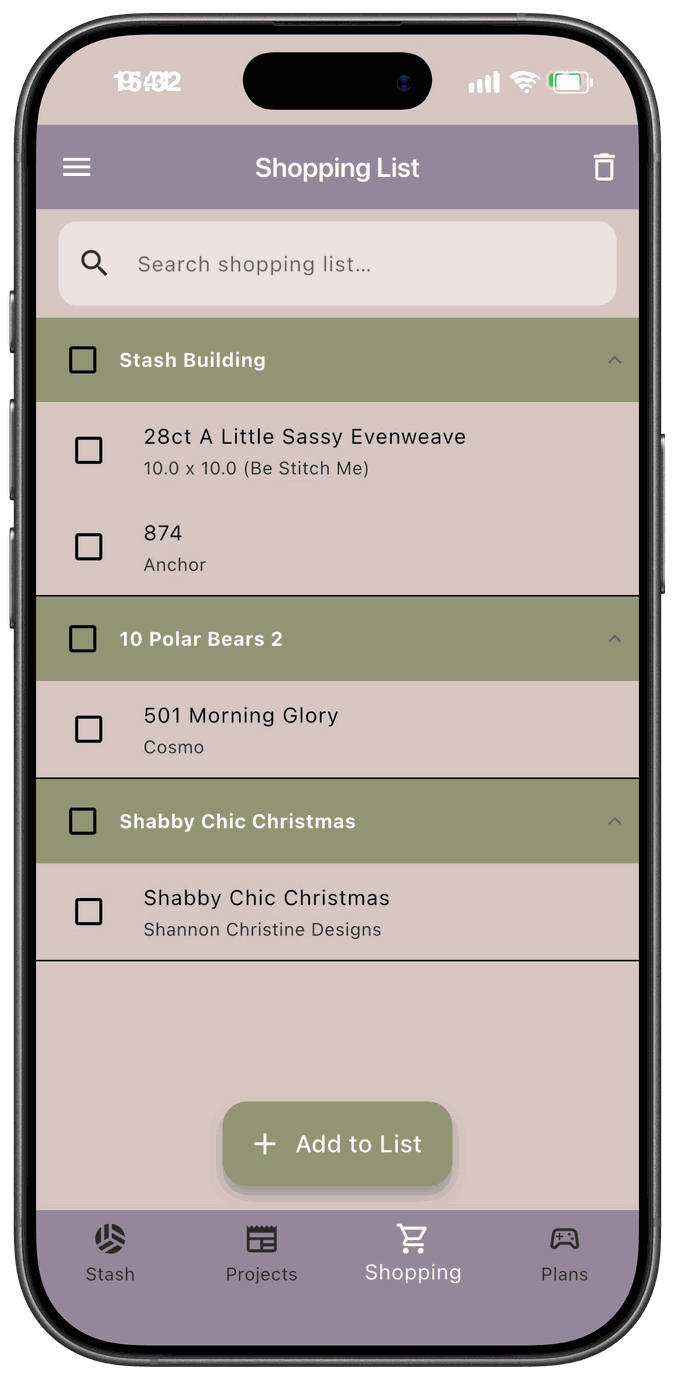
Everything you add yourself goes in the Stash Building group, since it isn’t tied to a project.
Add an item
Section titled “Add an item”-
Open the Shopping tab and tap Add to List.
-
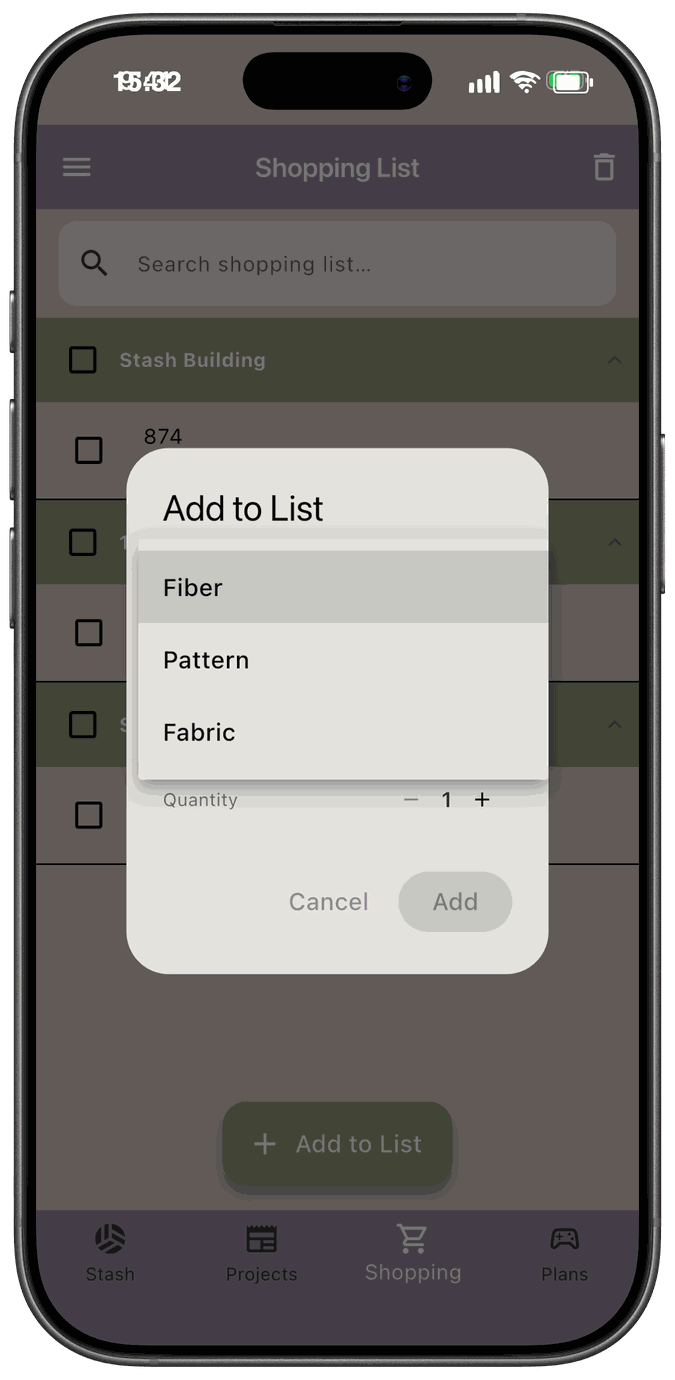
Open Item type and choose Fiber, Pattern, or Fabric. It starts on Choose Type, and the quantity and Add stay unavailable until you pick a type.
-
Fill in the details for that type (below).
-
Set the Quantity with the – and + buttons. The smallest quantity is 1.
-
Tap Add. It stays grayed out until the required details are filled in.
Fibers
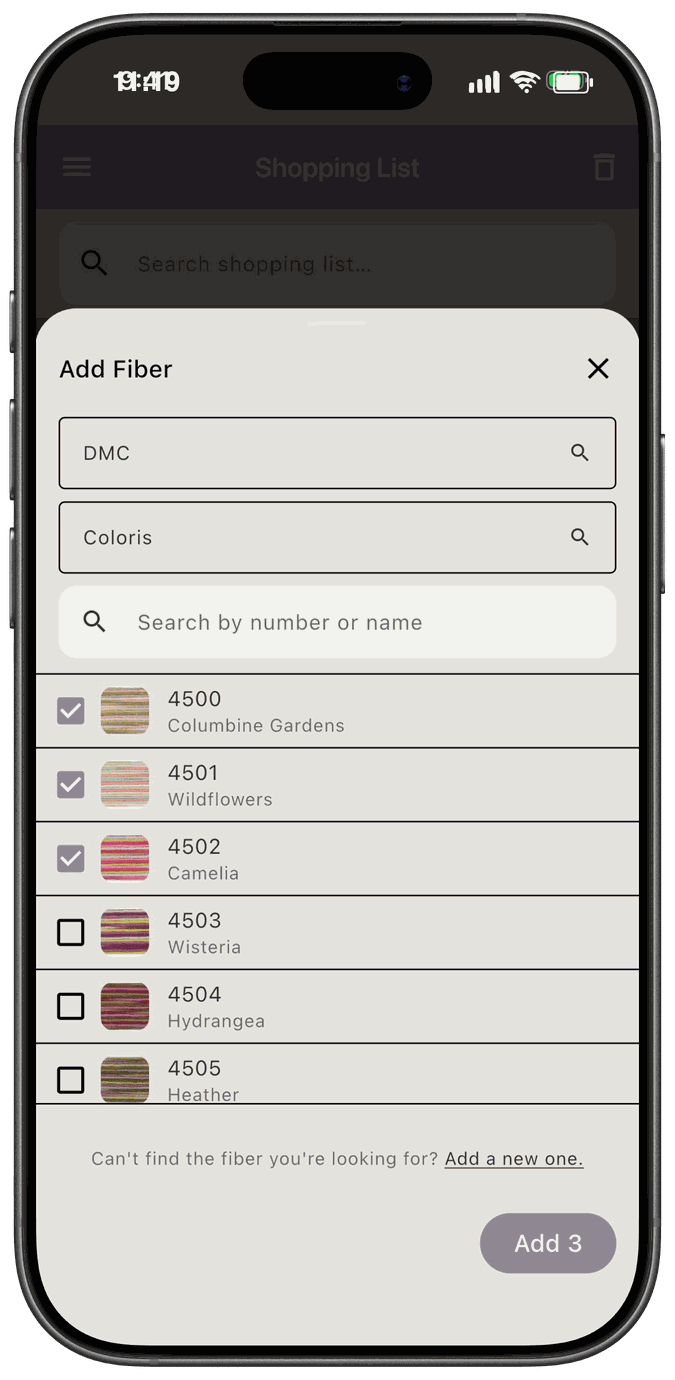
Section titled “Fibers”Choosing Fiber opens the Fiber Picker right away. Pick a brand and collection, check one or more fibers, and tap the button at the bottom, which reads Add with the number you’ve checked, like Add 3.
Back in the dialog, your picked fibers are listed, each with an x to take it off. Tap Add Fiber to pick more. Every fiber you pick gets the same quantity. Set the Quantity, then tap Add.
If you close the picker the first time without picking anything, Item type goes back to Choose Type.
If the fiber isn’t in the list, tap Add a new one. at the bottom of the picker and enter its details.
You can also add a fiber to your Shopping List from your fiber stash. See Add a fiber to your Shopping List.
Patterns
Section titled “Patterns”Search for the pattern and pick it, or tap Add new if it isn’t there. The new pattern form asks for:
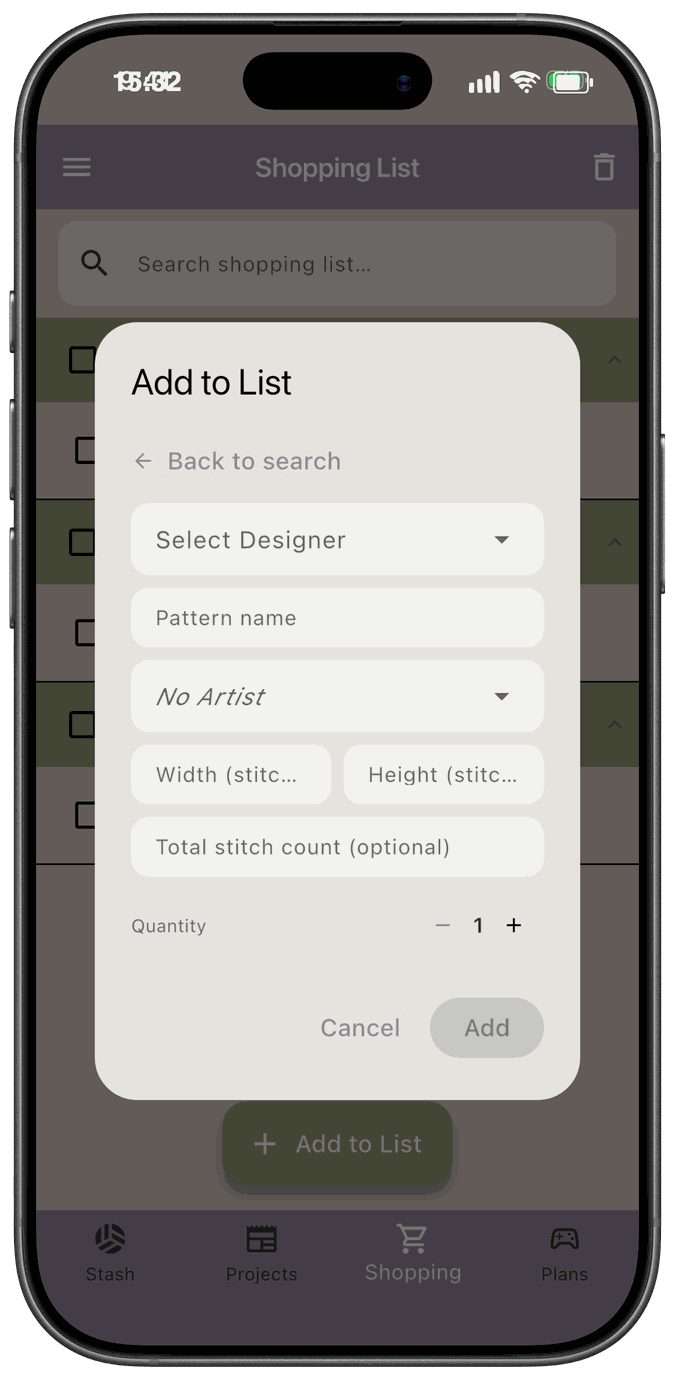
- Designer — required. Pick one, or add a new one.
- Pattern name — required.
- Artist — optional. Leave it as No Artist unless the artwork is credited to someone other than the designer.
- Width (stitches), Height (stitches), and Total stitch count (optional) — optional.
Fabric
Section titled “Fabric”Fabric always uses the entry form. There’s no search step.
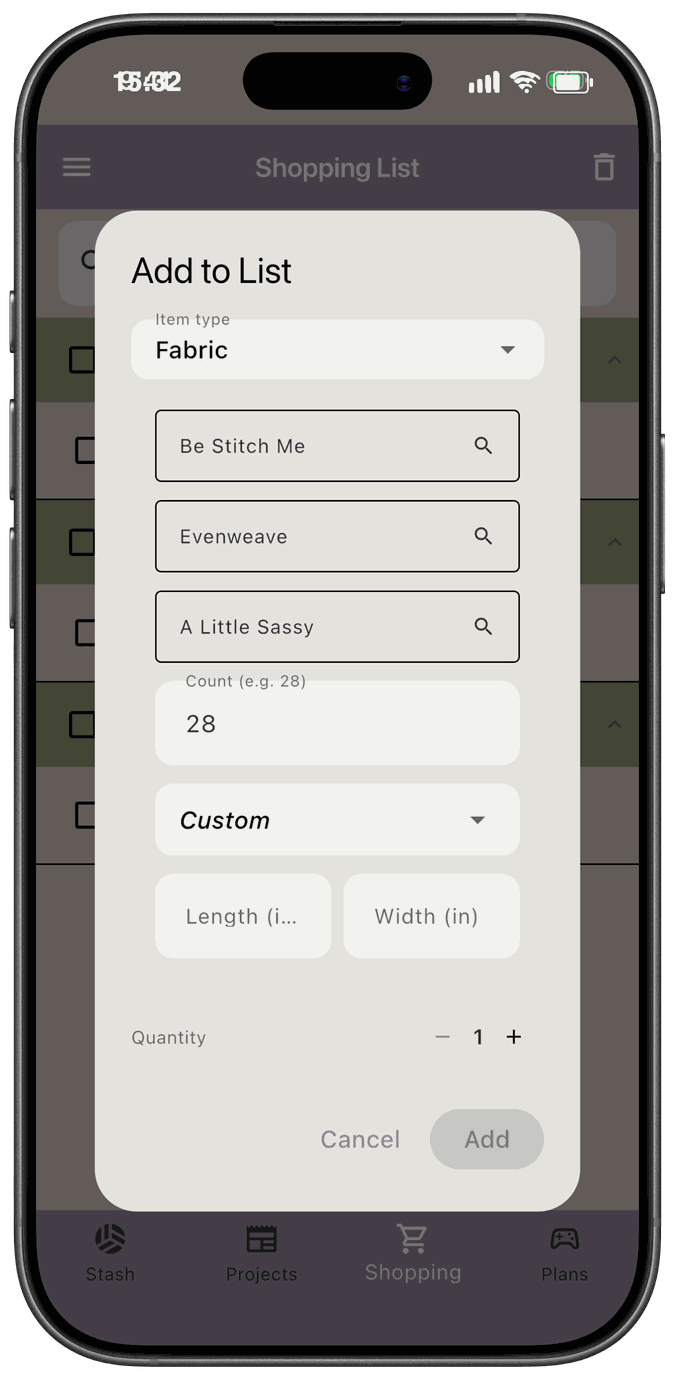
- Brand, Type, and Color — required. If one isn’t in the list, choose the Add New option in that field. Color unlocks after you pick a brand.
- Count — the thread count, such as 14, 18, 28, or 32.
- Size — pick a standard size, Custom, or Unknown. If you choose Custom, enter the Length and Width. They’re required and must be greater than zero.
Fabric on your Shopping List doesn’t have a notes field.
Good to know
Section titled “Good to know”- Duplicates are possible. The app doesn’t check whether the item is already on your list, so adding the same fiber twice gives you two lines.
- You can’t edit a line after you add it. If you make a mistake, delete the line (see Clearing the List) and add it again.
- Only three types are supported. There isn’t an “other” or general item type.
- Buying it adds it to your stash. When you check an item off and save, it’s added to your stash. See Clearing the List.