
Categories
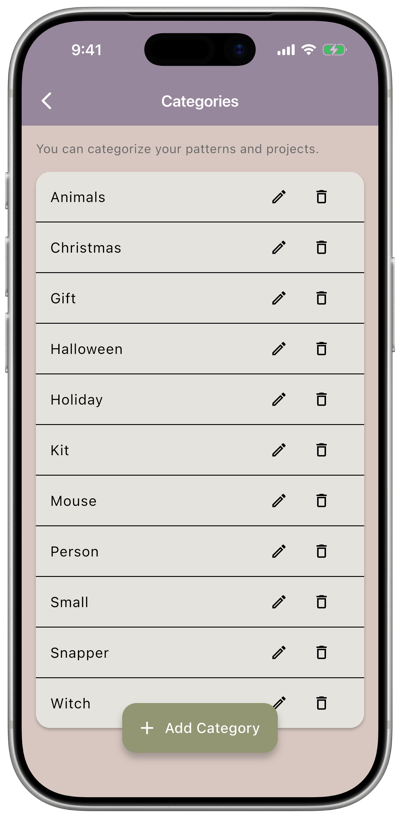
Settings → Categories is where you manage the categories you can assign to your patterns and projects — things like Christmas, Halloween, Gift, or any custom category you add.
Categories are shared: the same list is available whether you’re tagging a pattern or a project, so a category like Gift works the same way in both places.
What you can do
Section titled “What you can do”- Add a category — tap Add Category and enter a name.
- Rename a category — tap the pencil icon next to it, edit the name, and confirm.
- Delete a category — tap the trash icon next to it. If a category has projects or patterns assigned to it, you’ll be prompted to choose a new category to move them to.